
works with:



The missing piece of competitive gaming
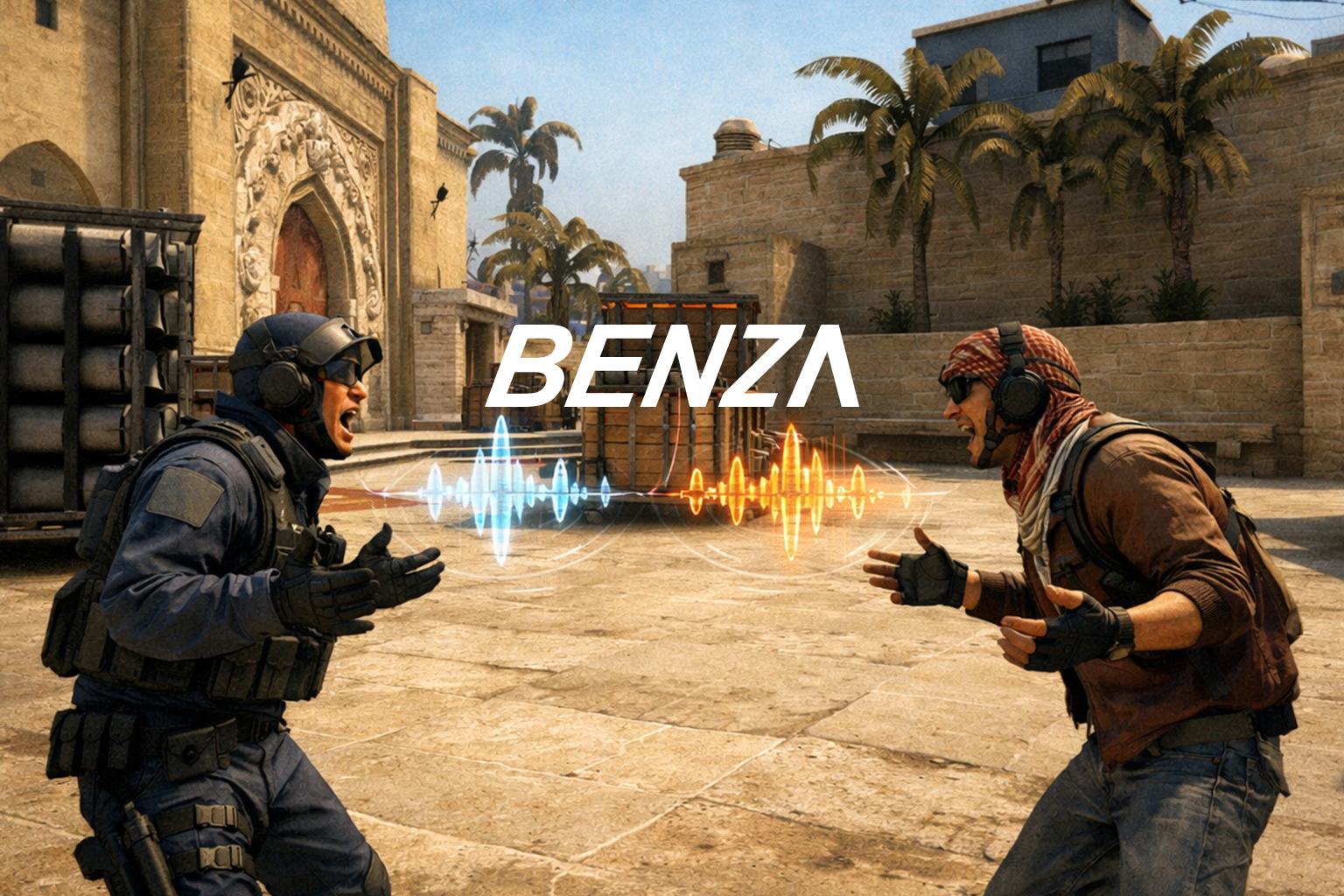
BENZA automatically connects you with other BENZA users from your match during halftime and for a short period after the game. Recreate the social experience of classic competitive gaming, just like the early days of CS.
How it works
From install to halftime in 3 steps
1
Install BENZA
Download for Windows
Download the Windows installer or portable executable and launch the client.
2
Login with Steam oAuth
Steam linked -> match detection ready
Link your account once so BENZA can detect when you are in a supported CS2 match.
3
Talk at halftime
Enemy voice channel live
When the side switch window opens, use push-to-talk to speak with the other team.
Download
Get BENZA for Windows
Choose the installer for daily use or the portable build when you want a single executable.
Windows 10/11
Releases are served from the latest BENZA build through the website download routes.
Frequently Asked Questions
BENZA does not interfere with the Terms of Service of the named organizations. The voicechat is only active in halftime and after the match, therefore it does not have any influence on the match while it is live.
BENZA is built with security and trust at its core. The application is officially signed through Microsoft Azure Artifact Signing, providing a high level of integrity and authenticity on Windows. BENZA uses an encrypted, privacy-focused chat protocol, and the BENZA trademark is registered under European law (Registration Nos. 302020241499 & 302020242047).
Yes, the current version is a free to use open beta.
BENZA is made to be very frugal so it does not lower the performance of your system.